
Home Video & DVD
Get the home video & DVD information about setting up the right technology for you and your family here at HowStuffWorks. Read about Blu-ray technology, DVRs, TiVo, Netflix and more.
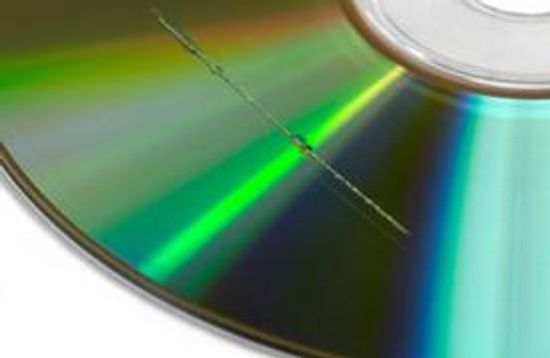
How to Fix a Scratched Disc
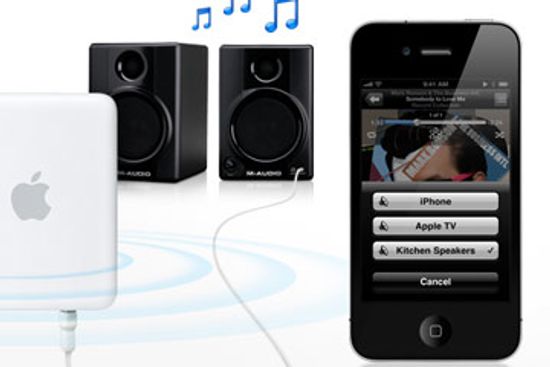
How Apple AirPlay Works
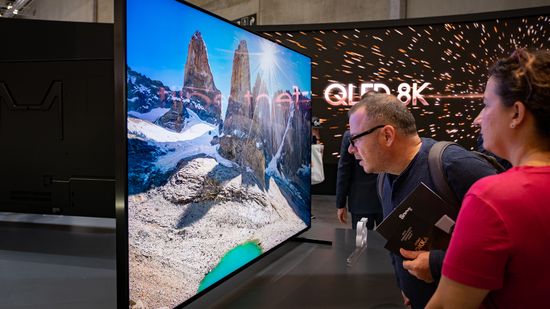
QLED vs. OLED: Weighing Different TV Options

Can You Fix the Dirty Screen Effect?
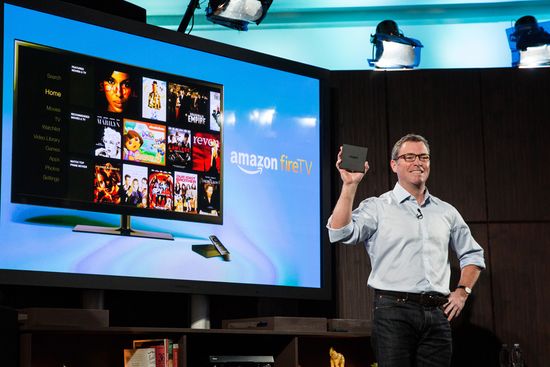
How Amazon Fire TV Works

720p vs. 1080p: What You Need to Know About HD Resolutions

How the Dallas Cowboys Scoreboard Works
How Weatherproof Speakers Work
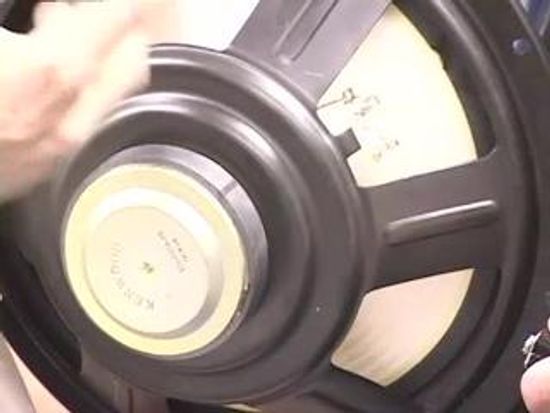
What's a voice coil on a speaker?
What is a speaker tweeter?
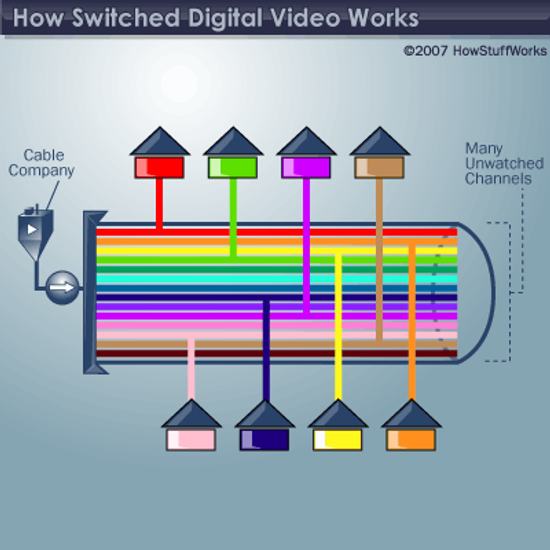
How Switched Digital Video Works
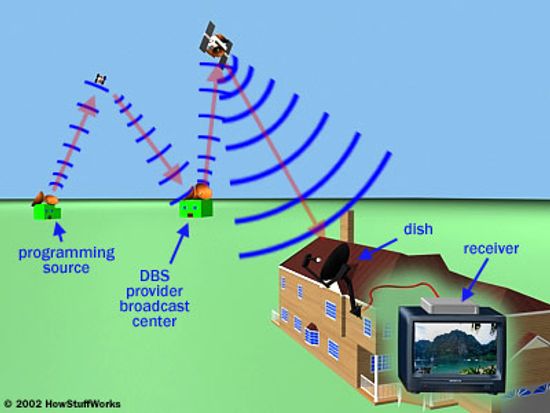
How Satellite HD Works
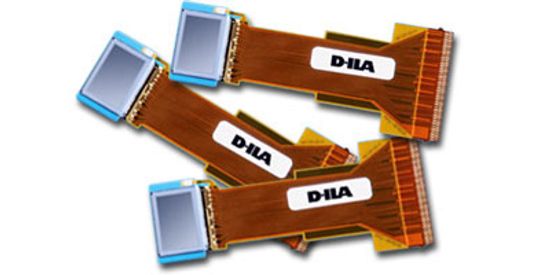
How LCoS Works
Learn More
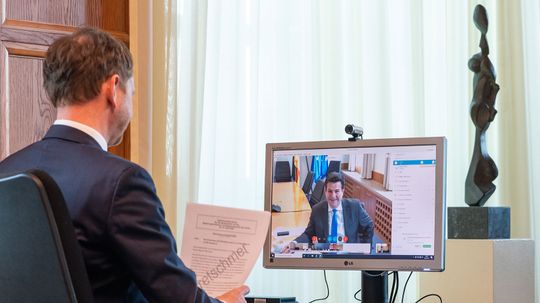
Between the greenish images and the audio glitches, hardly anyone looks or sounds good on video chat. But there are some simple techniques to make you seem more like the star you are.
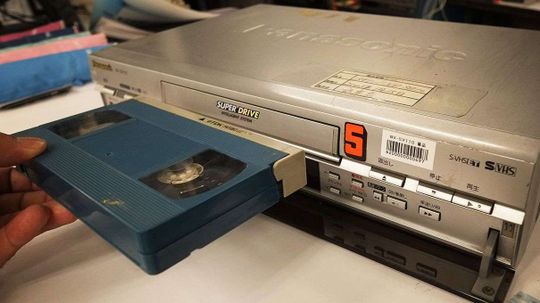
Many of us assumed the VHS video cassette player was already a thing of the past. Now it's officially being laid to rest.
By Chris Opfer
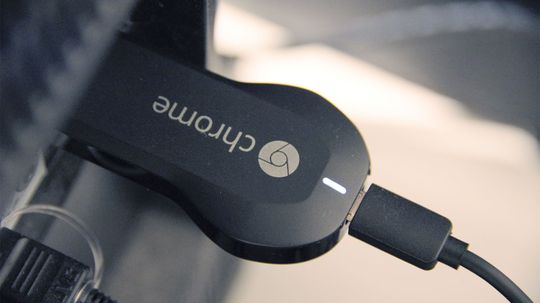
Chromecast is a tiny TV dongle that promises to bring you streaming media controlled via your mobile device. Can it compete with the rest of the streaming media market?
Advertisement
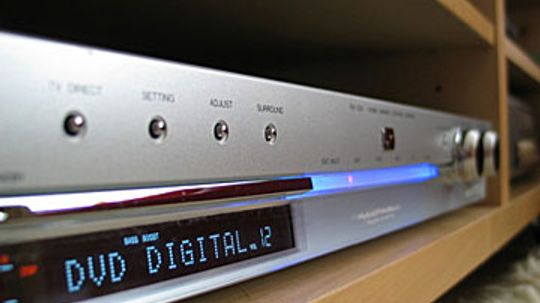
DVD players are exceptionally precise pieces of equipment. See how DVD players work, including information on DVD drives, outputs and more.
By Gayle A. Alleman
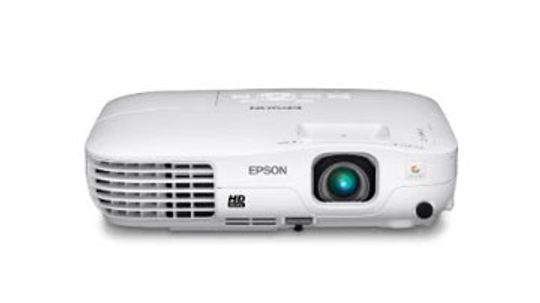
So you're having a rager and thought playing movies on the side of the house would be awesome. You're going to need an LCD projector.
By Robert Lamb
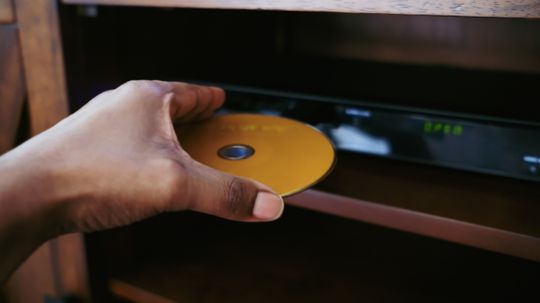
Your DVD disc got scratched and you want to know how to fix it. This article will tell you how to fix a scratched DVD disc.
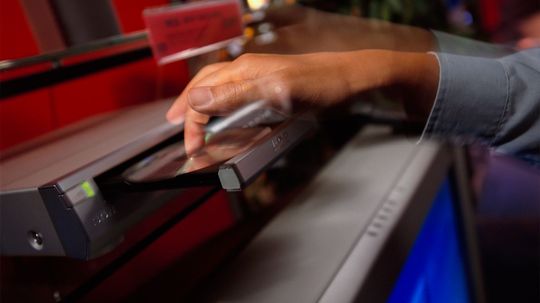
Learn how to connect a DVD player to your TV and view movies in the comfort of your own living room with our handy tips.
Advertisement

You can run out of DVR space faster than you think. Learn about hooking up your DVD player to a DVR to record in this article.
In 1997, TiVo promised its customers that they wouldn't have to worry about television schedules or learn to program their VCRs. Learn how the typical TiVo set works and what services TiVo provides.
The Netflix red envelope has become a staple in the home entertainment market. How did this DVD and streaming entertainment service get started, and what's next?
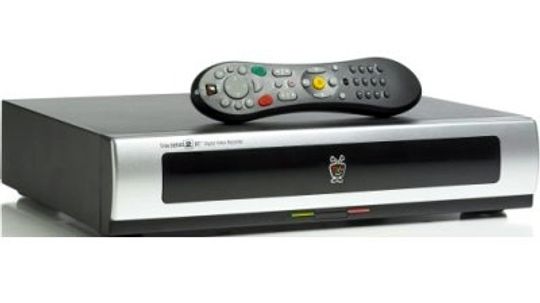
Digital video recorders may be the future of television. If you've heard the DVR catchphrase -- "Pause live TV!" -- you may be wondering just how this is accomplished. Learn all about digital video recorders.
By Jonathan Strickland, James Bickers & HowStuffWorks.com Contributors
Advertisement

Most of us don't even consider the possibility of viewing our cable TV, DVR or DVD player when we're away from home, but with a Slingbox, you can do just that.
By Julia Layton
The EZ-D DVD is a disc that automatically blanks itself after a certain period of time. It's a movie rental that takes late fees and return trips to the video store out of the picture. Check out the science at work.
By Tom Harris
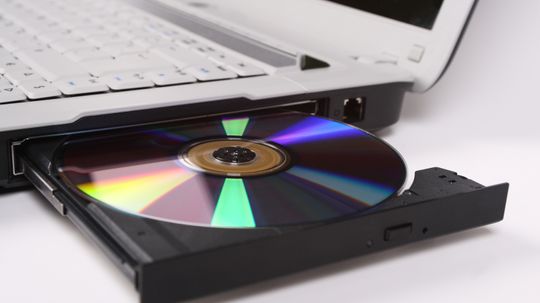
Even though the storage capacity of a DVD is huge, the uncompressed video data of a full-length movie would never fit on a DVD. In order to fit a movie on a DVD, you need video compression.
It wasn't too long ago that VHS tapes dominated the home video market, but now, DVDs have all but wiped them out. Learn how a DVD player reads a disc, see what to look for when buying a player, and read up on a little DVD history.
By Gayle A. Alleman
Advertisement
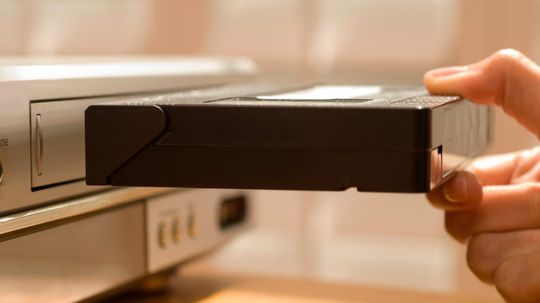
How do VHS tapes prevent you from bootlegging a copy of a movie? Find out here!
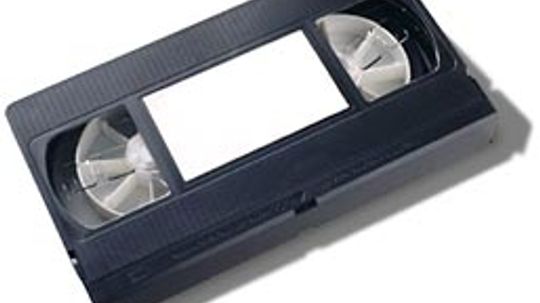
How can six hours of video fit on a $2 tape? What happens after you slide that tape into the slot? The VCR may be yesterday's tech, but it's still a mechanical marvel. Take a look inside!