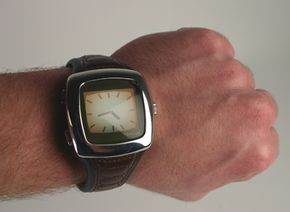
There's no doubt that with the popularity of smartphones that can manage virtually every aspect of our lives, the trend in technology is to get more and more "connectivity" into smaller and smaller packages.
Simultaneously, wrist watches have become a lesson in technological redundancy for many people. Ask a friend for the time of day and they're just as likely to glance at their smartphone as they are to look at an actual wrist-bound timepiece. The newest wave of smart watches aims to change all that
Advertisement
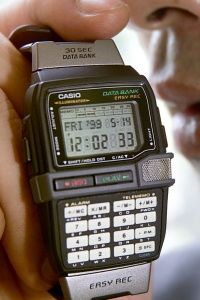
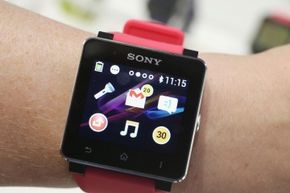
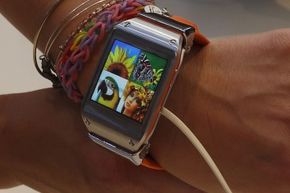
Smart watches are digital watches that do more – a lot more – that your old analog time tracking device. We're not talking about that once-amazing calculator watch that you had in elementary school. These are full-fledged digital tools.
Smart watches can run apps and play back all sorts of digital media, like audio tracks or radio streamed to Bluetooth headphones. Many of these watches have touchscreens, which allow you to access functions like a calculator, thermometer, compass and more.
Most of the current iterations of smart watches aren't wholly standalone devices, simply because they lack an Internet connection. So many of the watches are designed to link directly with other devices that do have Internet connectivity, namely your smartphone.
Just as with your smartphone, Internet access enables a smart watch with whole world of potential capabilities, like message notifications, GPS navigation and calendar synchronization. And of course, a Bluetooth connection to your phone means the watch can help you place calls or send and receive messages.
Some smart watches are made specifically for athletics purposes, letting you track your lap times, distance and route. They may work in tandem with accessories such as a heart rate monitor or cadence sensor. There are specialty smart watches built especially for sailing enthusiasts, helping them track variables such as speed, wind direction and wind speed.
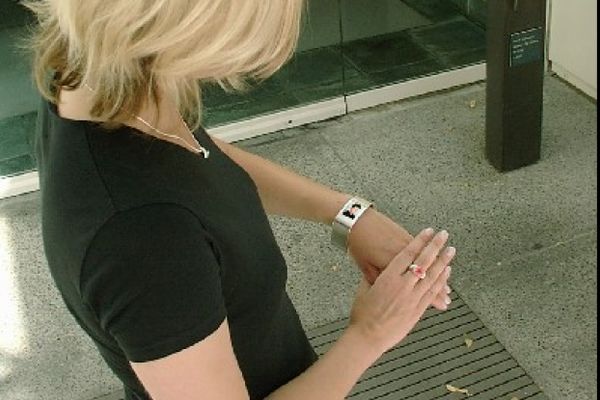
To many people, these newfangled watches might look like a brand new technology. The truth, however, is that smart watches have been lurking on the fringes of gadgetry for a long time. The very first may have been Microsoft's UC-2000, a digital watch released in 1984 that could be programmed in BASIC via its keypad. In 2002, Microsoft introduced a technology called Smart Personal Object Technology, or SPOT, designed to add new purpose to everyday objects by integrating so-called smart software. Watches built around SPOT were discontinued in in 2008, but the idea of the smart watch lived on.
Many people think that it's finally time to usher the digital wizardry of smart watches into the mainstream. Keep reading and you'll find out why.
Advertisement