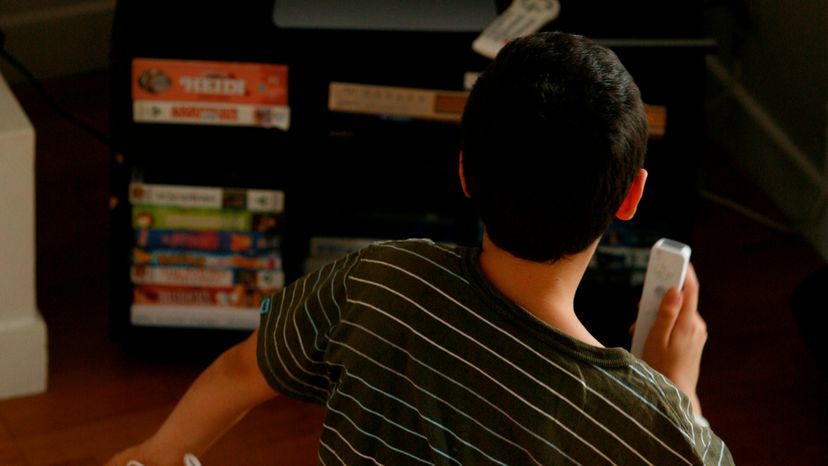
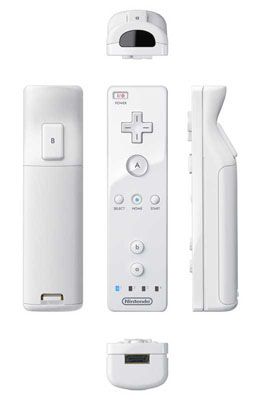
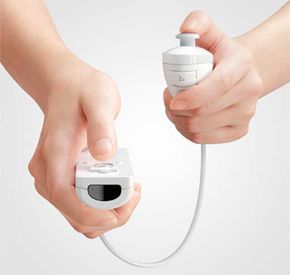
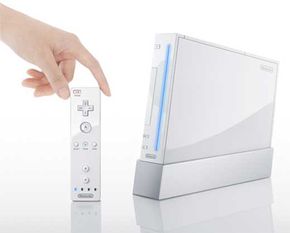
The Nintendo Wii, like every other video game console, has some controller variations and other accessories available for serious gamers. Some of the accessories are very useful, while others merely add to the controller's aesthetic value. Some examples of Wii accessories that fall into the "looks good, but not very useful" category are the plastic attachments for the Wii remote that make it look like a tennis racket, golf club or baseball bat. Nothing about the Wii or the game you're playing changes -- the attachments just transform your Wii remote into a prop. There are also boxing gloves that can house the Wii remote and Nunchuk. Just like the plastic attachments, these gloves don't change anything about the game, except for the fact that you don't actually have to hold onto the controllers.
The Wii Zapper is a plastic device resembling a tommy gun that houses both the Wii remote and Nunchuk. It's designed to be used with first-person shooter games, and its two-handed design allows for more stability and better aiming. The Nunchuk fits into the back handle of the gun, and you use the joystick on the Nunchuk to move your character. There's a spring-loaded trigger on the Zapper that is connected to the B button on the back of the Wii Remote. You simply point the gun where you want to aim and fire when ready. The only downside of the design is that it limits players to the use of three buttons: the trigger and the C and V buttons on the Nunchuk.
The Wii Wheel is another useful accessory that is being shipped with "Mario Kart Wii." It's a small plastic steering wheel that houses the Wii Remote in the center. According to Nintendo, the Wii Wheel will even the playing field so that novice gamers can race bumper-to-bumper with seasoned "Mario Kart" veterans. Ubisoft, the video-game developer and publisher, also came out with its own steering wheel accessory to ship with "GT Pro Series" and "Monster 4x4 World Circuit." Ubisoft's version is similar to Nintendo's in the sense that they are both simply steering wheel shells that house the Wii remote.
Aside from the useful accessories that are designed to improve the quality of gaming, there are also some accessories that improve the overall performance of the Wii. You can buy a component video adapter, which will improve the graphic quality on your television from 480i (interlaced) to 480p (progressive scan). The component video standard utilizes three connectors called Y, Pb and Pr. The Y-connector transmits the video information, which is the black-and-white image, and the Pb and Pr connectors transmit the color information. In order for the component video adapter to work properly, you must go into the Wii System menu and set it to 480p. Once you've set your Wii to 480p, also known as progressive scan, it will recognize when games are progressive scan-compatible and automatically default to that setting.
The most recent addition to the Wii's dynamic playability is the Wii Vitality Sensor. Similar to a machine that checks your pulse, gamers insert an index finger into a small sleeve and wear the sensor while playing Vitality Sensor-compatible games. The Vitality Sensor aims to measure your pulse to reveal anxiety. A players' nervousness can then be recorded and connected with the game-playing experience, possibly adding an element of focus or lack thereof to the actions of the character in the game.
Another accessory that improves the performance of the Wii is the Wii remote charging dock. The Wii remote burns through standard alkaline batteries very quickly, and once it begins to get low on power, the remote is less responsive. For example, a Wii remote that's low on batteries is less likely to register a thunderous right hook that you throw at your boxing opponent -- so the game just isn't as much fun. These charging docks, which contain rechargeable lithium battery packs, are produced by several different companies. Some docks can accommodate four Wii remotes, others just one. Some docks have places to set your Nunchuks, others don't. It's difficult to guarantee the quality of any of the charging docks since they're not manufactured by Nintendo, but they will make your Wii life a lot simpler.
For more information about the Nintendo Wii and related topics, take a look at the links on the next page.