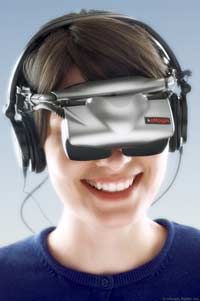
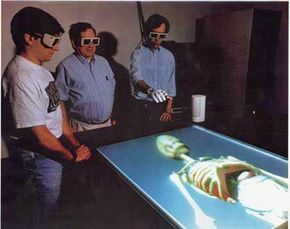
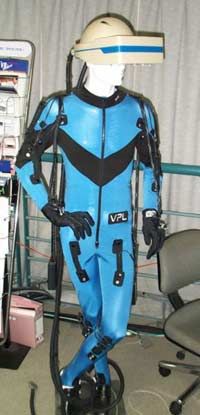
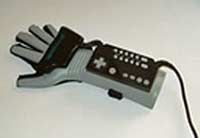
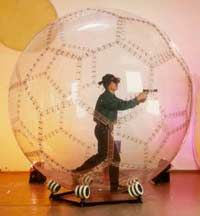
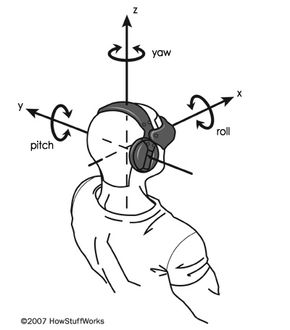
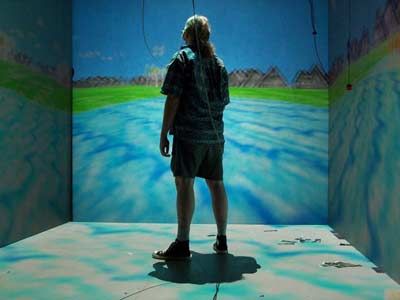
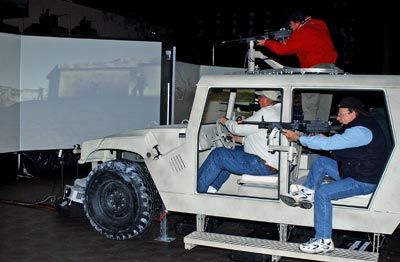
If you remember the virtual reality (VR) hype extravaganza in the early 1990s, you probably have a very specific idea of what virtual reality gear includes. Back then, you could see head-mounted displays and power gloves in magazines, on toy shelves and even in films -- everything looked futuristic, high tech and very bulky.
It's been more than a decade since the initial media frenzy, and while other technology has advanced by leaps and bounds, much of the equipment used in virtual reality applications seems to have stayed the same.
Advertisement
Despite first impressions, the field of virtual-reality technology continues to advance, albeit at a slower rate than technology in other disciplines. Advances are often the result of other industries, like military applications or even entertainment. Investors rarely consider the virtual reality field to be important enough to fund projects unless there are specific applications for the research related to other industries.
What sort of equipment does VR rely on? Depending on how loosely you define VR, it might only require a computer with a monitor and a keyboard or a mouse. Most researchers working in VR say that true virtual environments give the user a sense of immersion. Since it's easy to get distracted and lose your sense of immersion when looking at a basic computer screen, most VR systems rely on a more elaborate display system. Other basic devices, like a keyboard, mouse, joystick or controller wand, are often part of VR systems.
In this article, we'll look at the different types of VR gear and their advantages and disadvantages. We'll start with head-mounted displays.
Advertisement