Streaming has become such a commonplace amenity of modern living, it can be hard to imagine someone unfamiliar with the concept. However, it wasn't so long ago that it was common to ask the question: What is streaming?
Advertisement
Streaming has become such a commonplace amenity of modern living, it can be hard to imagine someone unfamiliar with the concept. However, it wasn't so long ago that it was common to ask the question: What is streaming?
Advertisement
When the internet first caught on with consumers in the mid-to-late 1990s, people had to buy a modem, hook it up to their computer and a phone line and dial the phone number for their local internet service provider (ISP). Connections were miserably slow.
The web was not designed to stream audio or video when it was first created in the 1960s, but enterprising developers found a way to help customers listen to real, live audio, and the first live audio streaming event was broadcast on Sept. 5, 1995, for a game between the Seattle Mariners and New York Yankees.
Advertisement
At first, there wasn't a lot of long-form content. Between maddeningly slow connections and glitchy software, no one was going to sit down to watch a movie on their home computer.
In just a few short years, technologies improved to make streaming video and audio more of an everyday occurrence.
Streaming services like Netflix and Hulu delivered live movies and television. Content creators such as Paramount and Disney started their own video streaming networks, and tech giants like Apple and Amazon joined in. You can now watch old classic TV shows or the latest movies on demand.
Streaming audio has matured as well. You can listen to live sports around the world, or turn your computer or smartphone into a custom radio channel with music streaming services like Tidal, Apple Music, Deezer, Pandora and Spotify. People commute to work or the grocery store listening to true-crime podcasts or the latest audiobooks.
In the last decade, audio and video streaming became popular enough to encourage cable and satellite TV providers to "cut the cord" and canceled their cable or satellite TV subscriptions for cheaper streaming options.
In June 2021, media research company Nielsen revealed that video streaming has become more popular than over-the-air TV in the United States.
Streaming services' share of the market was 26 percent to over-the-air TV's 25 percent. That may not seem like much, especially when cable TV still had 39 percent of the market, but streaming media is likely to continue to grow, and cable subscriptions likely to decline.
Advertisement
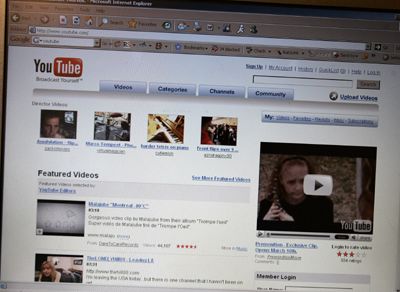
Currently, video streaming isn't limited to TV and movies. In fact, more and more streaming content is in short-form video, such as YouTube and TikTok. With the explosion of fast wireless internet connections, a lot of video streaming occurs on mobile devices such as smartphones and tablets.
You may have participated in a live streaming broadcast yourself. During the COVID-19 pandemic many people tuned in for remote meetings or online classes. Tools like Zoom, Microsoft Teams or Google Meet can handle live audio and video streaming simultaneously in one broadcast.
Advertisement
It's a little like when the telephone companies promised us videophones in the mid-20th century, only better.
If you're brand-new to streaming, you'll need a high-speed internet connection. You'll also need a device to enjoy the video or audio content on; that could be a smartphone, a computer, a tablet or a TV.
Computers may be the easiest to set up for streaming. You can access the websites for many audio and video streaming services and enjoy the media right in your browser window. You may also find a dedicated desktop application for a streaming service.
Advertisement
Although smartphones and tablets have web browsers, you're far more likely to use an app developed specifically for that particular service. If you wanted to watch or listen to a live game in progress, you might open the ESPN app. To hear the news, you might listen to TuneIn Radio, which offers live and recorded broadcasts from all over the world.
Many services require paid subscriptions, but many others are ad-supported or completely free. For streaming audio, most people rely either on go to the website of the program in question or to a podcast platform which has a host of programs, like Apple Podcasts, Google Podcasts, Spotify or Stitcher. These can be found on your smartphone.
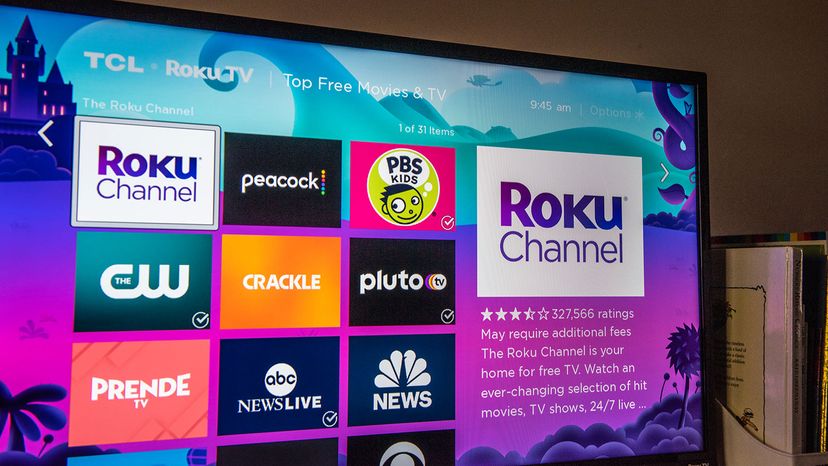
TVs require specific hardware and software to access streaming services. Often this is a device you plug into a port on the television such as Roku, Amazon FireStick or Google Chromecast — something that allows your TV to access the apps for live streaming content. If you have a smart TV, this hardware is already built in.
If you have a Smart TV, just switch it on, go to the "Apps" section and you'll see an operating system designed to run streaming apps for Netflix, Amazon Prime Video, PlutoTV, YouTube and many more.
The most popular apps are usually pre-installed but your device or TV will let you download new apps as well. (If you still subscribe to a cable service, the newer cable boxes allow you to stream videos and apps through them, too.)
Once you've selected the app you want, you'll see an array of programs, along with descriptions and ratings. You just click on the show you want to get started.
If it is a paid app (like Netflix, Hulu or Amazon) you'll have to create an account or sign in if you already created an account and paid for the service online. The good news is once you've signed in, the streaming app will save that information so you don't have to do it again.
Most apps have an interface that lets you choose your favorite shows and browse others. With on-demand streaming you can watch one at a time, or "binge-watch" several in a row.
You can pause the show to get something from the kitchen, usually even for live events like sports. Streaming media's flexibility is one of the key reasons it has become so popular.
Advertisement

Streaming providers must determine the best way to get their content to your device in a way that's easy for you to use.
High-quality images, audio and video files often start out very large. Although still imagines aren't streaming, as an easy-to-imagine example, let's say your smartphone has a 12-megapixel camera. A still photo you take with that camera has a print size of 9.7 by 14.5 inches (17.8 by 36.8 cm).
Advertisement
That's larger than you need for a quick social media snapshot, but the larger file size means you can use the photo for other things, in this case perhaps a poster.
Our phones create bigger sound, video and image files because it's generally a better idea to create a large file and shrink it down. It's harder to enlarge a smaller media file with a high-quality result.
Streaming providers use file formats that maximize quality over typical internet speeds. Compressing them is done using codecs, instructions for coding and decoding visual and audio information in a standard file format.
Lossless formats capture more of the original file's fidelity but have larger file sizes. Many formats, however, are lossy; they remove some of the information in the file but attempt to keep as much of the original as possible.
To compress audio and video files, a lossy-format codec may identify parts of the video that it can copy and apply later in the show. It deletes the redundant information to keep the file size down.
Codecs may also reduce the number of colors in the video, lower the resolution of the video or reduce its frame rate. Lossy audio codecs may remove frequencies from the original recording that most people can't hear, around 20 Hz to 20,000 Hz.
While that may help save on streaming bandwidth, it can cause problems, too. You may have experienced some side effects of file compression while you watch a show if images seem washed out or pixilated.
If you're running with your earbuds in, you may not hear a heavily compressed music file, but with nice headphones, you just might.
Advertisement
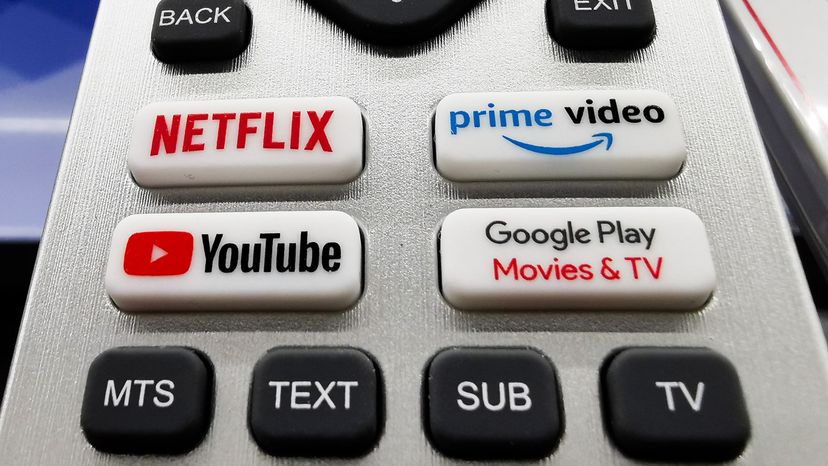
What happens to the streaming video and audio at your end? On smartphones and tablets, we're often using a proprietary application designed by the streamer that takes care of the business for us. If you tune in to a Disney+ stream on your phone, you don't have to worry about whether you'll be able to watch it.
In a web browser, however, streaming works a little differently.
Advertisement
Your computer and internet connection affect how well the media stream works on your machine. With the release of HTML 5 — the language webpages are written in — streaming providers can embed audio and video files in their webpages without forcing you to rely on browser plugins.
Smart TVs and devices that plug in to TVs, such as a Roku or Apple TV, have their own operating systems and dedicated apps for streaming services. It's a lot like the experience on a smartphone or tablet.
Your experience may vary on the deals streamers and hardware manufacturers work out — or don't — among themselves. In 2021 Roku removed YouTube TV from its channel store in a contract dispute. The device you own and the internet service you subscribe to may affect which content you can access, for good or bad.
Advertisement
Please copy/paste the following text to properly cite this HowStuffWorks.com article:
Advertisement